Good Tools
Each small generator I built for a job lived in a chat link that wouldn't last.
- Status
- In use
- Made of
- TypeScript
- Came from
-
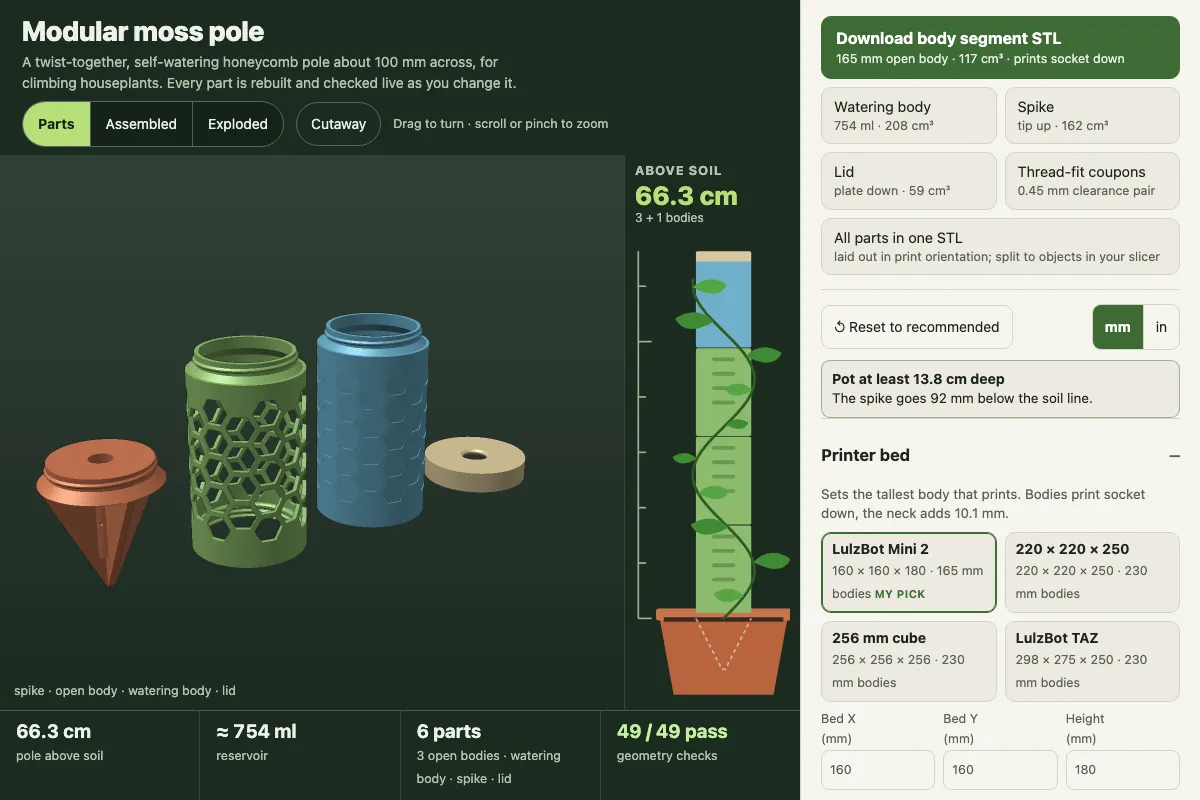
- Self-watering moss pole: the modular moss pole tool
- Cabinet planter: the wall planter box generator
- Logo puzzle: the logo puzzle maker
- Wood boiler priority relay: the boiler priority control tool
- Loudoun Bees: the laser sign maker's sample sign
- parts-as-code: the appliance foot maker and the speaker post mount
- Led to
-
- astro-forge: website practices
- Links
The shelf
I make things with a CO₂ laser and a couple of 3D printers, and I kept writing a small generator for each job: a planter sized to one cabinet, a puzzle cut around one logo. Each one was useful to someone else. Good Tools is the shelf I keep them on, where anyone can find them. Several started as my own builds; the Lineage view shows which.
One file you keep
A tool is one HTML file: no build step, no server, no account. It runs in the browser and exports real files to cut or print. The download is a zip holding that same file, so it keeps working with no connection. A tool is listed only if it works without an AI call.
Versions that don’t move
The decision the rest follows from: a tool can change, but a version can’t. Someone halfway through cutting a planter shouldn’t find its dimensions changed under them. The site runs the newest version, and every earlier one stays downloadable, unchanged, for builds already under way.
What it counts
The site counts presses of each tool’s Open and Download buttons, per day, without storing anything in a visitor’s browser.